

Instagram rolls out maps, repost features to boost user experience

Instagram launches teen accounts with new restrictions
Meta announced earlier this week that they will introduce "Instagram Teen Accounts". The company said that the accounts will be a "new experience for teens, guided by parents". LiveNOW from FOX host Christy Matino spoke to Vanessa Paz Dennen, Professor of Instructional Systems & Learning Technologies to break it all down.
Instagram announced that it is launching another round of changes in an effort to help users better connect with friends on the social platform.
Instagram’s parent company Meta unveiled the update in a news release published on Aug. 6.
New changes on Instagram
Instagram unveiled new features including "reposting" content, a location map and a "friends" tab.
With reposts, an Instagram user can repost public reels and feed posts, making it easier for them to share their interests with their friends. Reposts will be recommended to their friends’ and followers’ feeds, and they’ll also be in a separate tab on their profile.
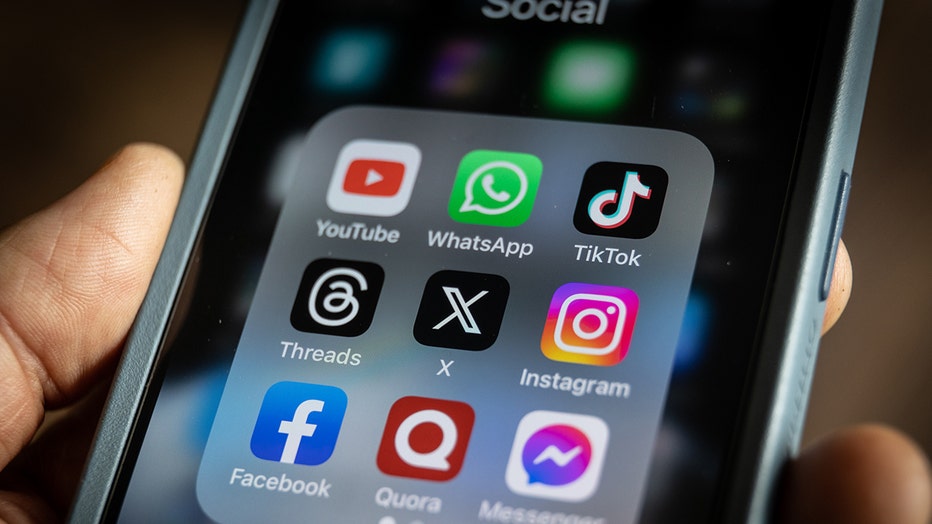
Photo illustration of social media apps. (Credit: Matt Cardy/Getty Images)
Meta said reposts are credited to the original poster and gives creators an opportunity to reach even more people.
RELATED: Social media use triples depression symptoms for pre-teens: Study
Users can also stay up-to-date with friends with its new Instagram map. A person can opt in to share their last active location with friends they choose, and they can turn it off anytime.
In addition, the company has introduced Friends, a new tab in Reels where users can see public content their friends have interacted with. Meta started rolling Friends out earlier this year and is now launching it globally.
What they're saying:
"Now, with reposts, the map, and the ‘Friends’ tab in Reels, it’s easier for you and your friends to stay in touch through the content you’re enjoying on Instagram," Meta wrote in its press release.
How do I turn off location sharing on Instagram?
Dig deeper:
Following the updates, some users were quick to notice that their location was being shared with people they did not want it shared with.
When location sharing on Instagram, Meta said "you can turn it off anytime."
To turn off location sharing:
- Go to the Instagram map in your DM inbox
- Tap the icon to open the map
- Select the Settings icon, which will prompt you to "Turn on Location Services."
- Click "Open Settings."
- In your phone’s Settings app, choose "Never" to stop sharing your location.
The Source: The information for this story was provided by Meta. This story was reported from Los Angeles.